



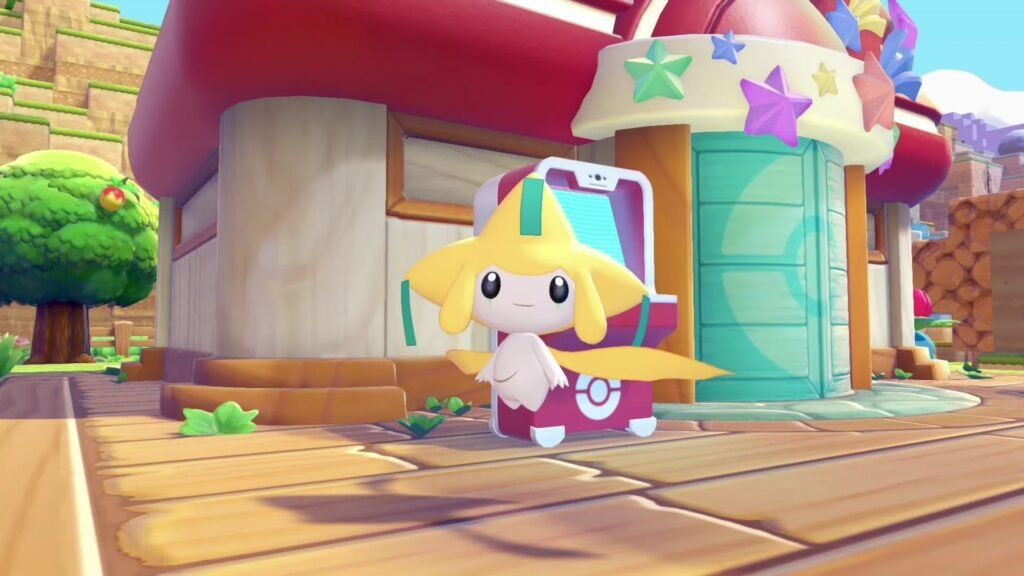
The Steel- and Psychic-type Mythical graces Pokopia for a limited-time only
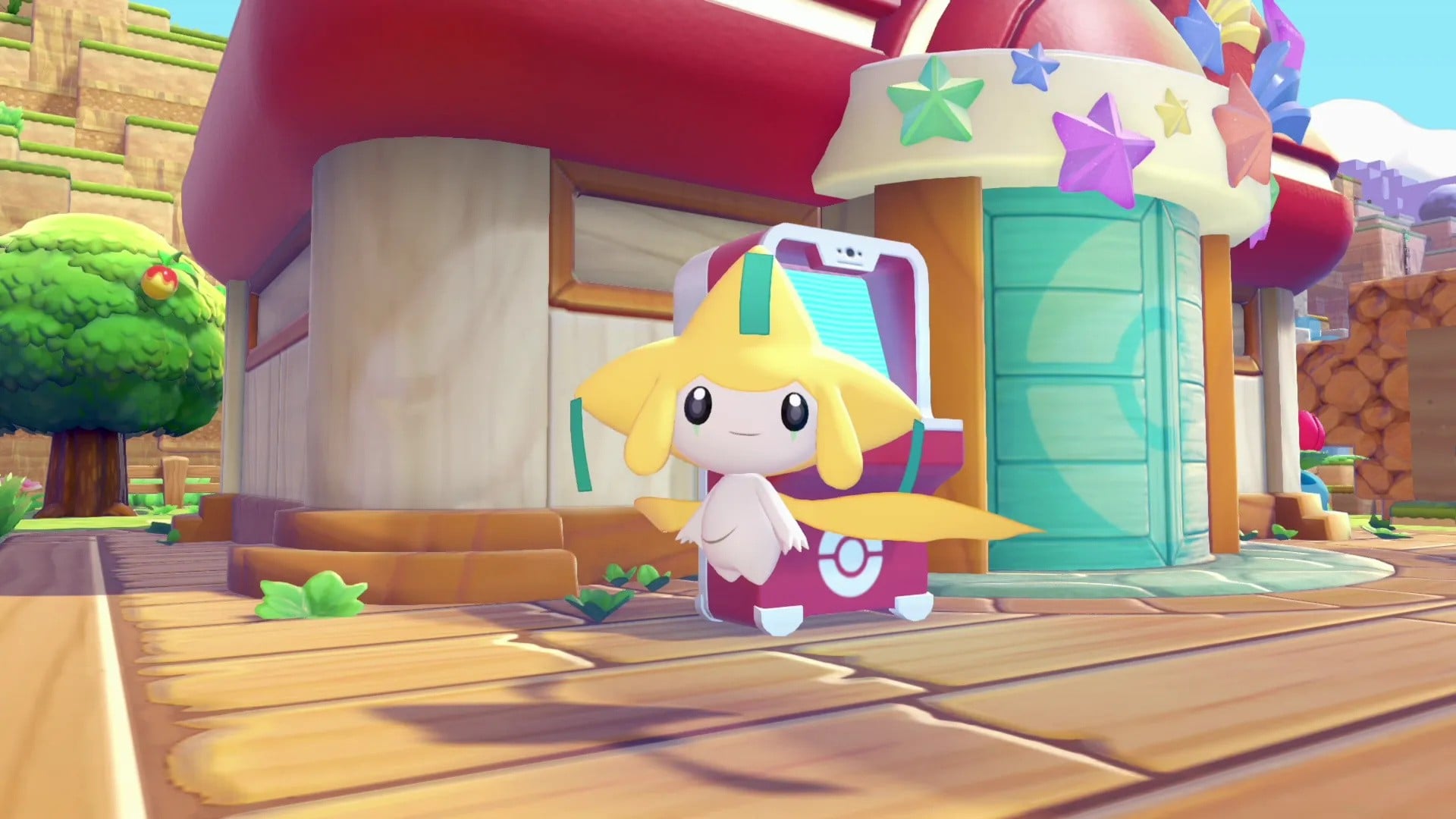
Pokémon Pokopia‘s Wish Upon a Jirachi event runs from 23rd June to 8th July, 2026, introducing the Gen 3 Mythical to the cosy life simulator.
Though it follows a similar format to previous limited-time events – with a new Pokémon pitching up at a Pokémon Center, offering you items in exchange for a new currency – it’s how you get this new currency that’s a little different, even if it’s doubling down on a now-familiar gameplay loop.
This Pokémon Pokopia Wish Upon a Jirachi guide explains how to start the event, how to get the Sparkling Wish Notes currency, and everything you need to get the Jirachi event habitat up and running.
Subscribe to Nintendo Life on YouTube848k
How To Start The Wish Upon a Jirachi Event
Before you start, you need to have rebuilt a Pokémon Center, and play between the dates of 23rd June to 8th July, 2026. (No time-travelling here, by the way – this latest limited-time event requires an internet connection to authenticate the correct date.)
When you log on, Jirachi will appear outside of a Pokémon Center, and hand over a receipt for Wish Notes, which require two Vine Ropes to craft.
This is the first step to getting the real event currency, Sparkling Wish Notes, which are rewarded when completing requests from resident Pokémon in your town when you have Wish Notes in your possession.
How To Get Sparkling Wish Notes
To get Sparking Wish Notes, you must hand over a standard Wish Note to a Pokémon when they ask for a request. These requests are the same as they are at any other time – requiring you to fetch an item – and are indicated by a speech bubble that appears over their head.
Talk to them to start the request, and as part of the process, you’ll also hand over a Wish Note. Complete the request, and you’ll get the usual reward, alongside a Sparkling Wish Note, in return.
It should be noted that any requests you have started before the event will not reward a Sparkling Wish Note – you haven’t had a chance to hand over a Wish Note to that Pokémon after all – and if you’re struggling to spot any new requests, we recommend waiting for some time to pass first so they can start springing up.
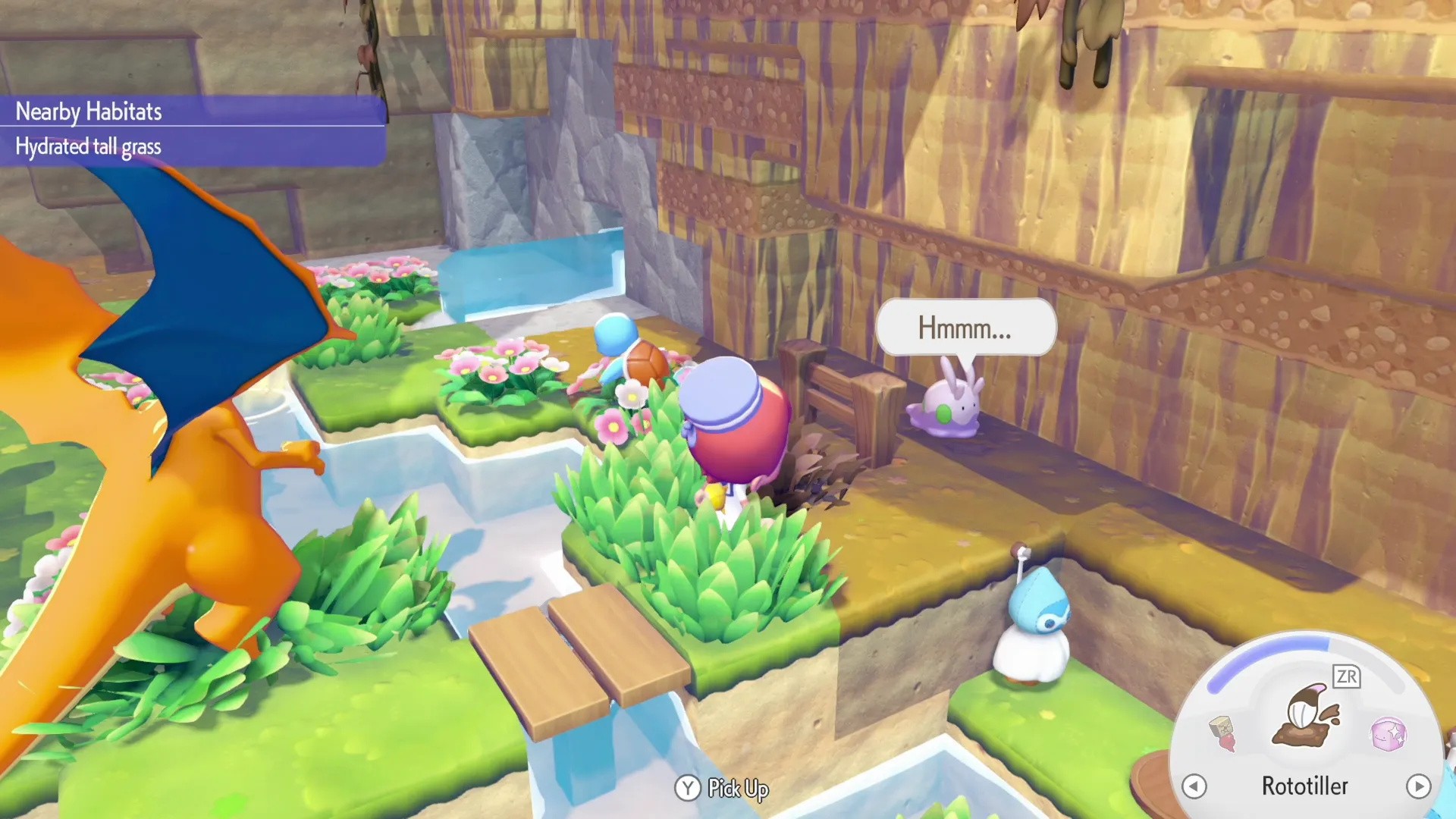
Also, despite what the in-game tutorial says about having to hold Wish Notes when approaching Pokémon, in our experience that’s unnecessary; as long as a Wish Note is in your inventory, it should be handed over all the same.
All Wish Upon a Jirachi Event Items
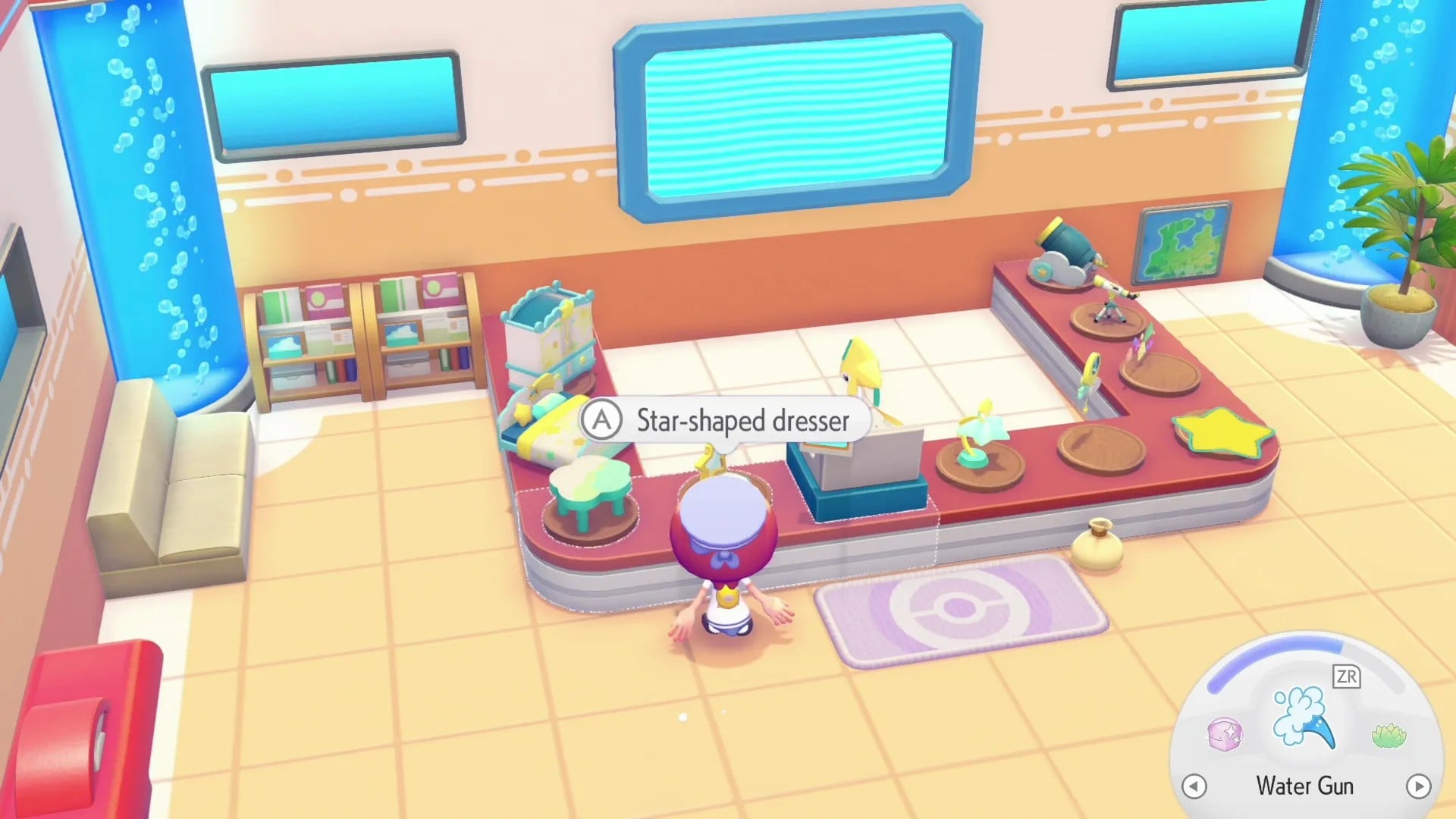
When you have some Sparkling Wish Notes, you can head to the Pokémon Center and exchange them at the counter for event-specific items. These are:
| Item | Sparkling Wish Note Cost | Needed or Event Habitat? |
|---|---|---|
| Star closet | 1 | Yes |
| Starry-sky bed | 1 | Yes |
| Cloud table | 1 | Yes |
| Star-shaped dresser | 1 | No |
| Jirachi Lamp | 1 | Yes |
| Moon clock | 1 | No |
| Star mat | 1 | No |
| Star wall decoration | 1 | No |
| Telescope | 1 | No |
| Cloud cannon | 1 | No |
How To Get The Surrounded By Stars Jirachi Event Habitat
The Wish Upon a Jirachi event habitat, Surrounded by Stars, requires the following items, which requires a total of four Sparkling Wish Notes to build:
- Star closet x1
- Starry-sky bed x1
- Cloud table x1
- Jirachi lamp x1
Note that you need to connect electricity to the lamp in order for the habitat to be completed.
Jirachi will show up at the habitat once the event ends following 8th July.
This isn’t the first Pokémon Pokopia event we’ve covered. And if meeting Jirachi has inspired you to keep playing, our Pokémon Pokopia walkthrough leads the way to many more guides that can help along the way.