



Uncapped frame rates and fixes with v1.1.0
It’s been a busy couple of weeks in Nintendo land, with plenty of Switch games, related news, and updates dropping outside last week’s big Directs.
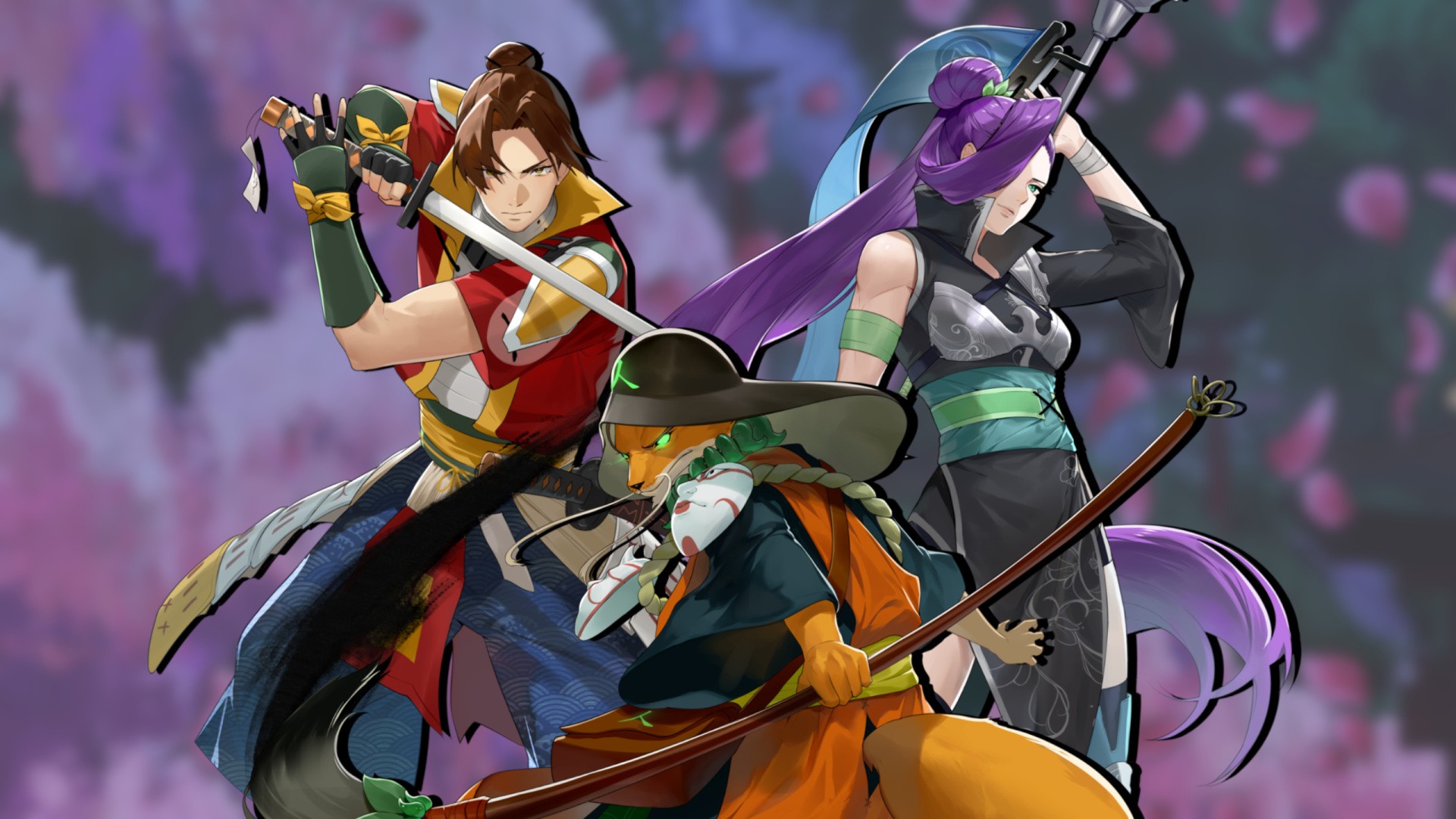
One such tidbit that you might have missed was an update to language-learning, dungeon-crawling RPG Shujinkou, which now features an uncapped frame rate targeting 55-60fps on Switch 1 when you’re not running High Fidelity Mode.
Better yet, if you’re playing v1.1.0 of the game on Switch 2, it’ll push past 60fps even with High Fidelity Mode active.
Building on previous optimisation and updates to the base game, which launched in October last year, developer Rice Games also notes “slightly improved loading times” on both systems, plus a bunch of other nips, tucks, bug-squashes, and polish to the overall experience.
Subscribe to Nintendo Life on YouTube852k
Here’s a look at the full patch notes via Rice Games’ site:
Full Nintendo Switch v1.1.0 Update Notes
Performance & Stability
- Unlocked/uncapped the game’s frame rate. Following extensive optimization, Shujinkou can now run at approximately 55–60 FPS through much of its core gameplay on Nintendo Switch, while Nintendo Switch 2 can exceed 60 FPS even with High Fidelity Mode enabled.
- Reduced memory usage throughout the game, slightly improved load times, and confirmed a reduction in crash frequency on both Nintendo Switch and Nintendo Switch 2.
- Upgraded the game engine by two major versions, providing general performance improvements to frame rates, loading times, lighting systems, animated illustrations, character portraits, and more.
- Greatly improved the physics and gameplay of Tatiana’s minigame, Kotoba Kyuugi.
- Greatly improved movement, fixed longstanding issues, and improved the performance of Otogawa’s minigame, Okkake no Osakenori.
New Features, Quality-of-Life & General Improvements
- Improved dozens of user interfaces throughout the game to provide a smoother and more intuitive user experience.
- Improved the writing and readability of loading-screen tooltips, lore compilation entries, and other non-dialogue text.
- Added an option to disable the in-game battle camera bob.
- Improved the readability of the Kanban Menu’s Labyrinth View by highlighting the currently selected labyrinth with colored text.
- Added Change Time spots to Town 4 and Town 5.
- Changed sushi that restore both TR and MR to restore a percentage of each resource rather than fixed values.
- Improved the process of using Self-scope items during combat. Selecting one of these items now automatically selects the current hero and proceeds to the next hero.
- Added an option to disable the Money Maker post-battle bonus provided by Tatiana’s Kizuna. This option appears after the Money Maker bonus has been unlocked.
Bug Fixes
- Fixed a harmless error that could occur when a Yajuu joined a normal battle.
- Fixed an input error that could occur when rapidly entering inputs in the Fuu Underground.
- Fixed residual errors that could occur after completing Okkake no Osakenori.
- Corrected the equipment type assigned to two late-game equipment pieces.
- Fixed minor button and controller navigation issues in several dozen locations.
- Fixed typos and other issues in several dialogue scenes.
- Fixed a progression bug that could affect some players in Labyrinth 10.
- Fixed an equipment duplication issue.
- Corrected three Kanban that were facing the wrong direction in Labyrinth 9.
- Added a missing Kanakae Orb location to the middle of Labyrinth 7, Area 1. This location contains new information about six kanji and includes 18 new Blue Text terms.
- Fixed an issue that prevented players from accessing certain hidden treasure chests in towns when the chests were located next to Exit to Nation spots.
- Fixed a potential story-progression soft-lock in Labyrinth 10 that could occur if the player left the labyrinth after fulfilling certain conditions.
- Corrected an inaccurate description for the “tongue” kanji.
- Fixed an issue that prevented the Level Luck Tutorial from appearing for some players. Players affected by this issue can trigger the tutorial by leveling up any hero after clearing Labyrinth 1.
- Fixed low frame rates that could occur during combat in Labyrinth 1 when Reduced Effects was disabled.
- Fixed a rare display issue affecting discovery percentages in the Item Compendium.
- Fixed a rare display issue affecting discovery percentages in the Kanban Menu.
- Fixed an English text-sizing issue affecting the Cherry Pit item in the Sabaku Arc.
- Fixed several issues in Okkake no Osakenori, including bottles clipping into the course, unstable surfboard handling, and the camera failing to rotate when reaching certain turns.
- Fixed several typos in youkyuu, level-loading tips, and other text.
- Fixed duplicate rows containing the same item appearing in the Koukanya shop.
- Fixed dozens of additional minor bugs and input-related issues throughout the game.
Balancing & Miscellaneous Adjustments
- Improved the stats of certain purchasable armor available around the time the player enters Labyrinth 8.
This Switch update coincided with the game’s arrival on Mac and the Epic Store, and it’s great to see continuing support for the game nearly a year after it first launched on Switch.